

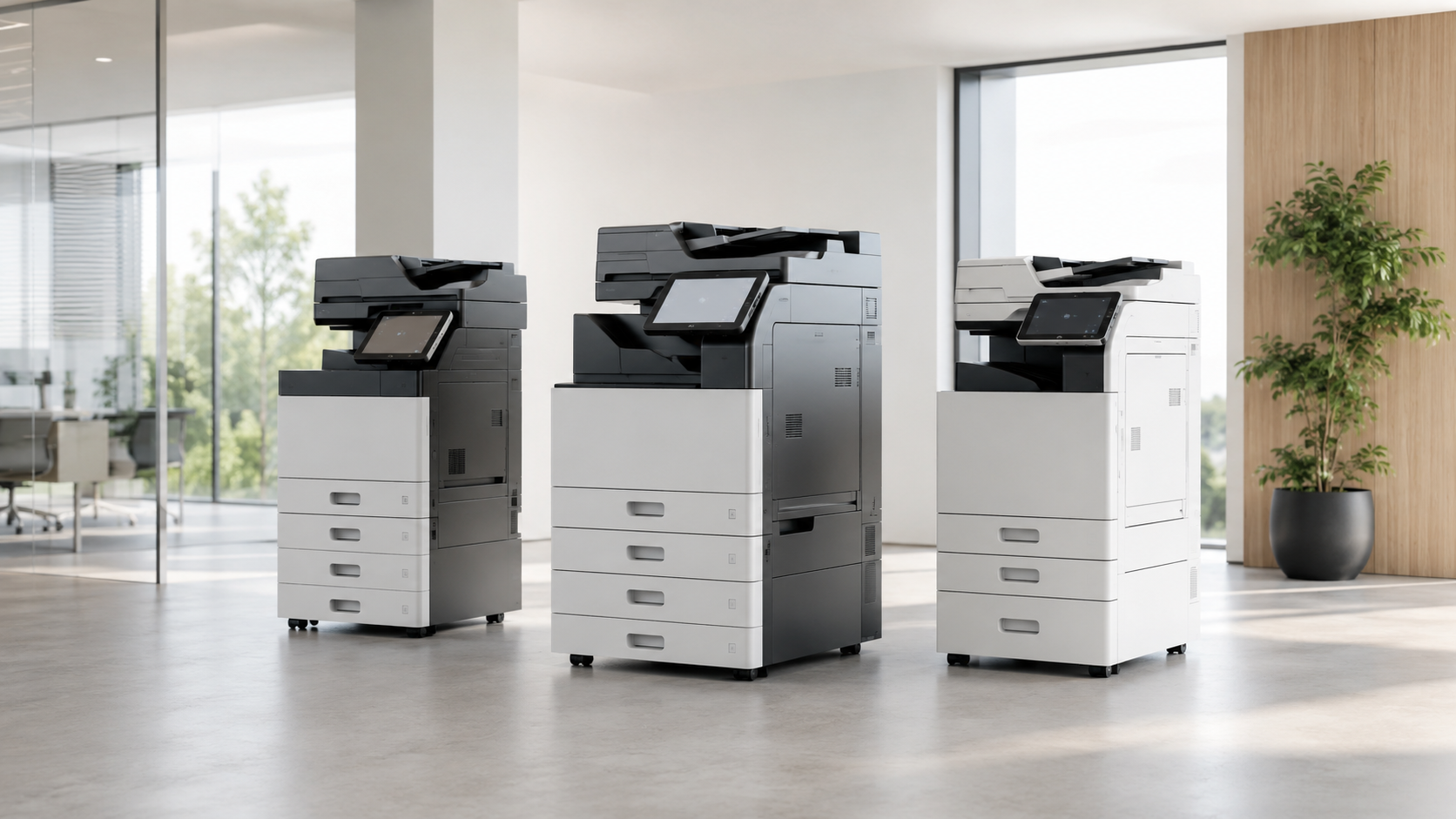
What Makes a Copier “Best” for a Business?
What factors determine the ideal copier for a business? The best commercial copier aligns closely with the organization’s specific requirements, including print volume, budget, and operational workflow. For small offices, selecting the right copier involves evaluating features such as speed, color printing capabilities, and scanning workflows. High volume copiers are essential for businesses that demand rapid output without sacrificing quality. Additionally, service support and maintenance expectations play a crucial role; a reliable copier should offer robust customer service options. Security features are increasingly significant, particularly for sensitive documents. Understanding these business copier features enables organizations to avoid the pitfalls of selecting equipment based solely on cost. Ultimately, the best office copiers are those that integrate seamlessly into existing processes, ensuring efficiency and productivity while meeting both current and future needs.
Best Copier Features for Small Businesses
When selecting a copier for small businesses, certain features stand out as essential for enhancing productivity and efficiency. The best copier for small business needs to have a compact footprint, allowing it to fit seamlessly into limited office spaces. Affordability is vital, as small enterprises often operate within tight budgets; therefore, a commercial copier for small business should offer low operating costs without sacrificing quality.
Key office copier features include multifunction capabilities—scanning, copying, printing, and faxing—all integrated into one machine. A reliable color copier for business is invaluable for producing professional documents. Additionally, wireless and network connectivity options facilitate seamless integration into existing workflows, enabling easy access for multiple users. Ultimately, the right copier can greatly streamline operations, making it an indispensable asset for any small business aiming for growth and efficiency.
Best Copier Features for Mid-Sized Businesses
Mid-sized businesses require copiers that not only meet higher volume demands but also enhance operational efficiency. The best commercial copiers for these organizations are characterized by faster speeds and larger paper capacities, allowing for seamless document handling. An automatic document feeder is essential, enabling users to manage multi-page tasks effortlessly.
Security features, such as user codes and secure print, are critical for protecting sensitive information, while advanced scanning capabilities streamline workflow by converting physical documents into digital formats efficiently. Additionally, a larger duty cycle guarantees that the copier can handle the demands of a busy office without frequent breakdowns.
Investing in the best business copier, including reliable black and white copiers for business, provides mid-sized organizations with the tools necessary to optimize productivity while maintaining high-quality output. Choosing a copier that aligns with these features will ultimately enhance operational effectiveness and support business growth.
How Print Volume Determines the Right Copier
Determining the right copier for a business hinges greatly on understanding print volume, as it serves as an essential indicator of the machine’s size and durability requirements. For small and mid-sized businesses, monthly print volume is a critical factor in selecting the best office copier. A high-volume environment necessitates robust models designed to withstand frequent use, while lower-volume settings may benefit from more economical options.
Buyer guides consistently highlight the importance of matching a copier’s capabilities with anticipated workload to guarantee longevity and reliability. Underestimating volume can lead to costly breakdowns and inefficiencies, undermining productivity. Conversely, overestimating can result in unnecessary expenditures on features that may not be utilized. As a result, evaluating print volume not only aids in identifying the best business copiers but also ensures that a small business copier is aligned with operational demands, fostering a more efficient workflow and cost-effectiveness.
How Fast Should a Business Copier Be?
How fast should a business copier be to guarantee ideal workflow? The speed of a copier, measured in pages per minute (PPM), is a crucial factor in maintaining efficiency. For smaller offices with lower print volumes, a machine offering 20-30 PPM may suffice, allowing for reasonable output without overwhelming the system. However, busier environments, such as mid-sized businesses or those with high document turnover, necessitate faster devices—typically 40 PPM or more—to prevent bottlenecks in workflow.
Selecting an appropriately fast copier helps streamline operations, ensuring that employees spend less time waiting for documents and more time on productive tasks. Additionally, it’s important to reflect on the nature of print jobs; complex documents may require more processing time. Therefore, understanding both volume and speed requirements is essential for choosing a copier that aligns with business needs, ultimately fostering a more effective and efficient workplace.
Should Your Business Buy a Color Copier?
When evaluating the needs of a business copier, the decision to invest in a color copier warrants careful consideration. Color copiers can greatly enhance marketing materials, making advertisements, proposals, and presentations more visually appealing and engaging. For businesses in sectors like real estate or healthcare, color is vital for creating impactful patient materials, menus, and client reports that capture attention and convey professionalism.
Additionally, color copiers facilitate the production of high-quality visuals, which can be pivotal in communicating complex information effectively. However, businesses must assess their specific needs, including volume and budget constraints, to determine if the benefits of color justify the investment. While color can elevate branding and client interactions, it is essential to guarantee that the copier aligns with overall workflow and operational efficiency. In conclusion, the decision should weigh the potential advantages against the associated costs and demands of the business.
What Scanning Features Should You Look For?
In today’s fast-paced business environment, selecting a copier with robust scanning features can greatly enhance operational efficiency. Key functionalities to evaluate include scan-to-email and scan-to-folder capabilities, which streamline document sharing and storage. Duplex scanning is essential for reducing paper usage and optimizing workflow, while a high-capacity document feeder can greatly increase productivity by handling multiple pages at once.
Additionally, optical character recognition (OCR) technology transforms scanned documents into editable text, facilitating easier data management and retrieval. Businesses with complex digital workflows should prioritize copiers that integrate seamlessly with existing software solutions, ensuring a smooth shift of scanned materials into digital formats. By focusing on these scanning features, small and mid-sized businesses can choose a copier that not only meets their current needs but also adapts to future demands, thereby maximizing return on investment.
Why Reliability Matters More Than Brand Hype
Reliability stands as a cornerstone in the selection of commercial copiers, often overshadowing the allure of well-known brands. While brand reputation can provide initial assurance, the true measure of a copier’s value lies in its performance and dependability. A reliable machine minimizes downtime, enhances productivity, and aligns with a business’s specific workflow requirements.
Even the most recognized brands necessitate proper setup, service, and maintenance, which underscores the importance of selecting a competent local dealer. A knowledgeable dealer can provide tailored support and timely repairs, ensuring that the copier remains functional and efficient.
Moreover, reliability encompasses not only the machine’s resilience but also its compatibility with diverse tasks, such as high-volume printing or complex scanning workflows. Ultimately, businesses should prioritize reliability over brand hype, as it directly impacts operational efficiency and long-term cost-effectiveness. Informed decisions focused on reliability will yield greater returns on investment.
New or Refurbished: Which Is Better for Small Businesses?
How does a small business determine whether to invest in new or refurbished commercial copiers? The decision hinges on budget constraints and performance requirements. New copiers typically offer the latest technology, enhanced features, and warranties, which can be advantageous for businesses with high-volume needs or specific functionalities. However, refurbished commercial-grade machines present a compelling alternative for budget-conscious offices seeking professional performance without the premium price tag. These machines are often restored to like-new condition, providing reliable operation at a fraction of the cost.
Moreover, refurbished units can meet the essential demands of small and mid-sized businesses, such as speed and scanning capabilities, without sacrificing quality. Ultimately, the choice between new and refurbished should align with the business’s operational workflow and financial strategy, ensuring that the investment supports both immediate needs and long-term goals. Careful consideration of these factors can lead to a more informed, strategic decision.
How to Choose a Copier Dealer Before You Choose a Copier
Selecting the right copier dealer can greatly impact a business’s operational efficiency and overall satisfaction with its equipment. A proficient dealer not only offers a range of copiers tailored to specific needs but also provides essential services such as installation, support, and maintenance. Evaluating a dealer’s reputation for responsiveness is critical; swift service can minimize downtime and guarantee that workflow remains uninterrupted.
Moreover, consider the availability of consumables like toner and the terms of warranty. A solid warranty indicates the dealer’s confidence in their products, while easy access to supplies can markedly affect operational efficiency.
It’s advisable to seek dealers who offer extensive training and ongoing support, as this can enhance the user experience and maximize the copier’s capabilities. Ultimately, selecting a reliable dealer lays the foundation for a successful and productive relationship, ensuring that the chosen copier aligns seamlessly with the business’s unique requirements.
Frequently Asked Questions
What Type of Maintenance Do Commercial Copiers Require?
Commercial copiers require regular maintenance to guarantee peak performance and longevity. This includes routine tasks such as replacing toner and drums, cleaning the internal components, and checking for paper jams. Additionally, software updates and firmware maintenance are essential for security and functionality. Scheduled professional servicing is often recommended to address more complex issues, ensuring that the machine operates efficiently and meets the demands of high-volume printing environments. Regular maintenance ultimately enhances productivity and reduces downtime.
How Do Lease Agreements for Copiers Work?
Lease agreements for copiers typically involve a fixed-term contract where businesses pay a monthly fee for access to the equipment. These agreements may include maintenance and support services, ensuring reliability. Terms often range from 24 to 60 months, with options for renewal or purchase at the end. Businesses must consider factors such as total cost, included features, and flexibility to accommodate changing needs, ensuring alignment with their operational requirements and budget constraints.
Can Copiers Integrate With Existing Software Systems?
Copiers can indeed integrate with existing software systems, enhancing operational efficiency. This integration allows for streamlined workflows, enabling tasks such as document management, printing from cloud services, and secure access to sensitive information. Businesses should consider compatibility with their current software environment when selecting a copier. This guarantees that the chosen device not only meets printing needs but also complements overall technological infrastructure, promoting a cohesive operational strategy and maximizing productivity.
What Warranties or Service Plans Should I Consider?
When selecting a copier, it is essential to evaluate warranties and service plans that align with operational needs. A thorough warranty should cover parts and labor, ensuring minimal downtime. Service plans may include preventive maintenance and expedited support, which enhance reliability. Businesses should assess the length of coverage, response times, and the availability of on-site support. Ultimately, a robust service plan can greatly impact the long-term efficiency and productivity of the copier.
How Can I Determine the Total Cost of Ownership?
To determine the total cost of ownership (TCO) for a copier, one must evaluate initial purchase price, financing options, operational costs (including power, toner, and maintenance), and any potential downtime. A thorough analysis should also consider the expected lifespan of the machine and residual value at the end of its use. By calculating these factors, businesses can make informed decisions that align with their budgetary constraints and operational needs.
Conclusion
To summarize, selecting the right commercial copier for small and mid-sized businesses requires careful consideration of features, print volume, and reliability. By prioritizing essential capabilities and establishing a relationship with a reputable dealer, businesses can enhance productivity and streamline workflows. Whether opting for new or refurbished models, understanding specific needs and industry standards guarantees an informed investment. Ultimately, the right copier not only supports operational efficiency but also contributes to long-term cost-effectiveness and organizational success.


